The following steps are for users that already have a High Speed Account.
By following these instructions you will not have to re-download the new software.
1. Right Click your current 1Dial/Slipstream icon at the bottom right hand corner of your screen and choose Settings.
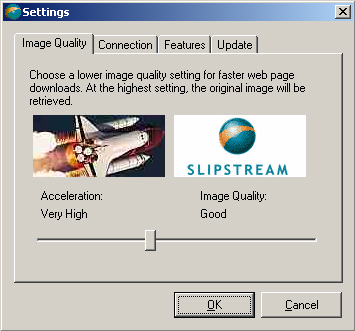
2. Choose the "Connection" Tab
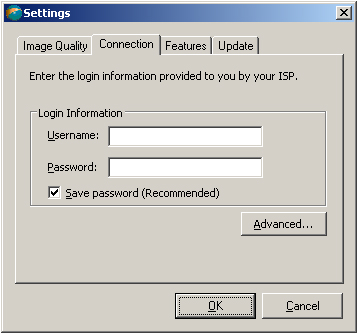
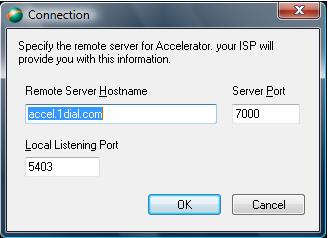
3. Replace all the information you see with the information shown in the image below. Click "OK" and your High Speed Software will work just as it did before.
|